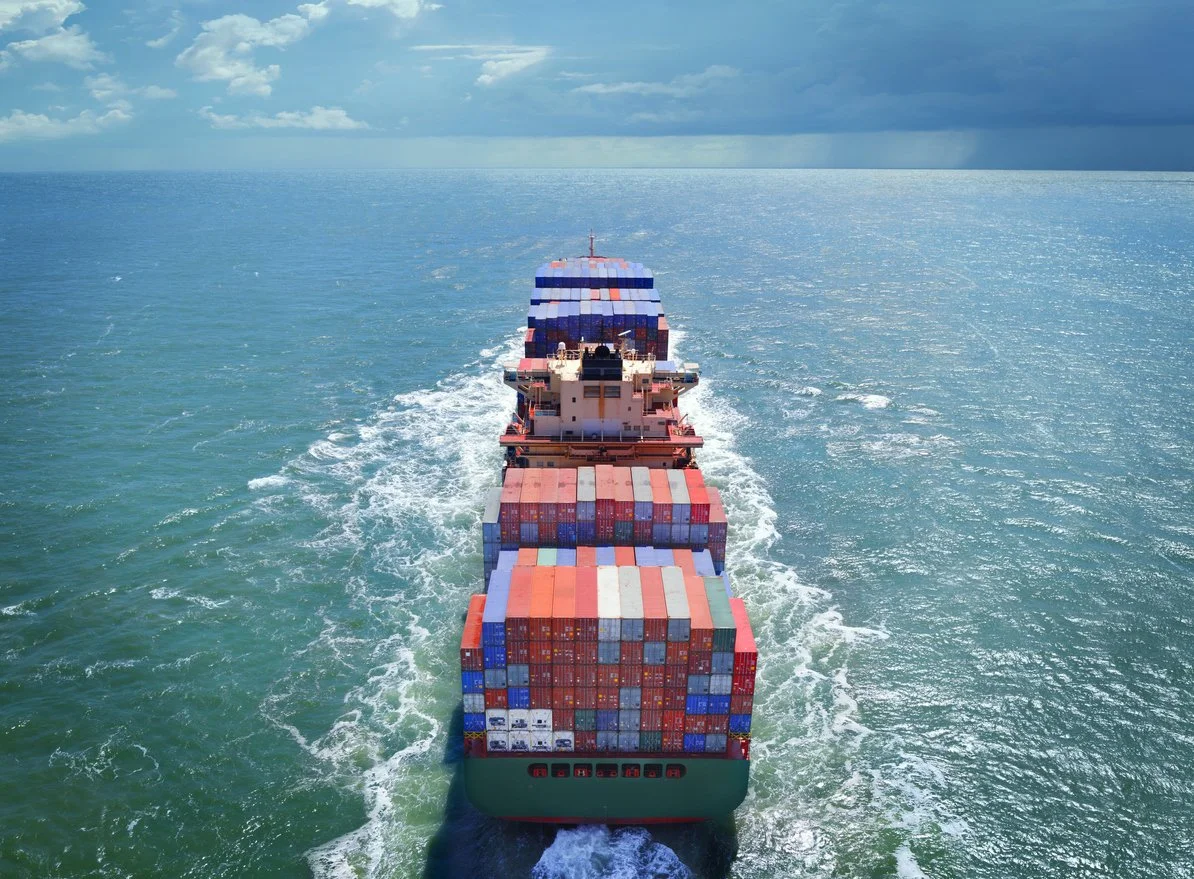
Maersk Container Tracking: Complete Guide to Track Your Shipment

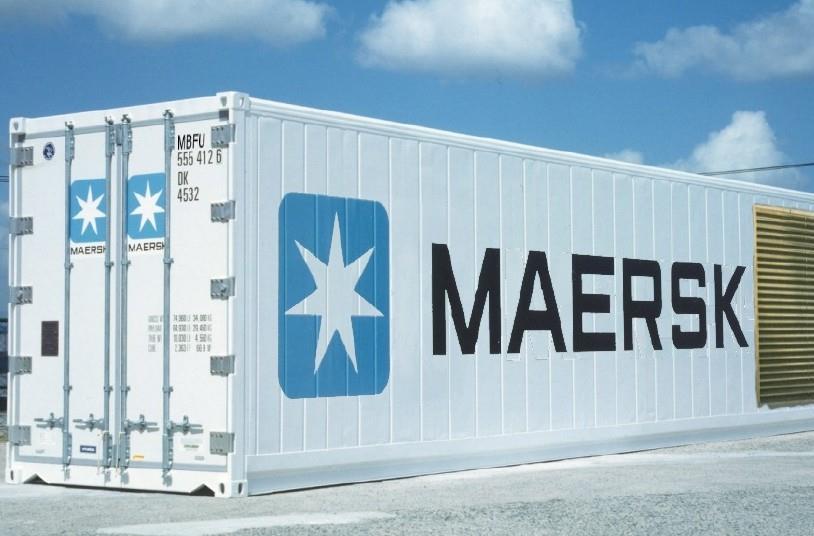
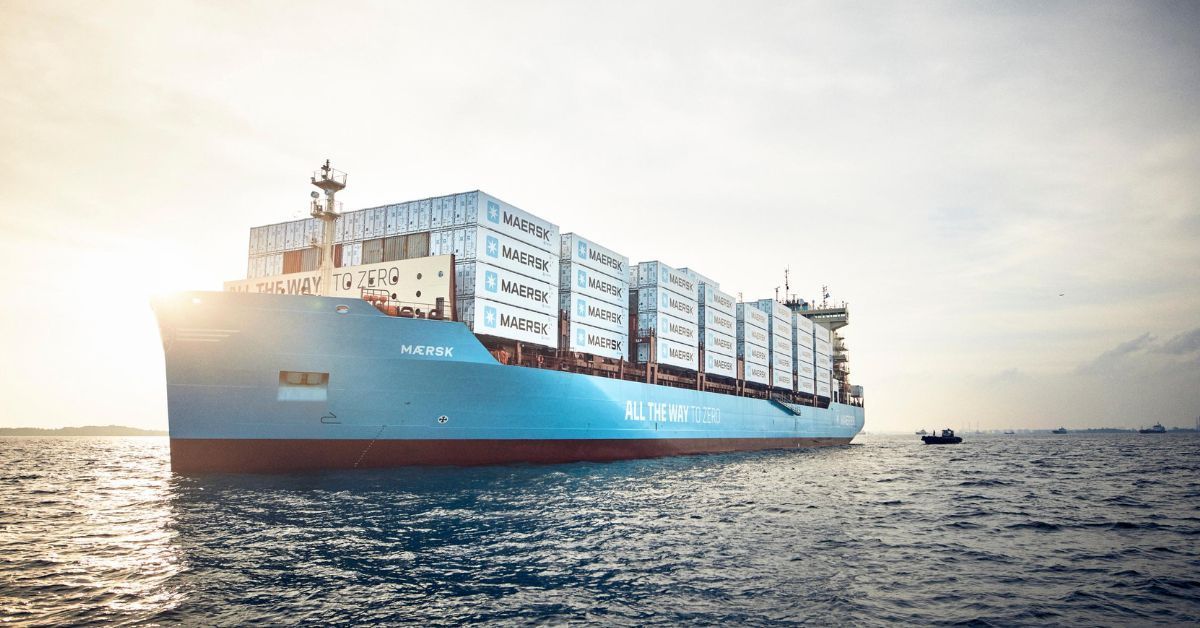
Maersk is the world's largest container shipping company, operating a fleet of over 700 vessels across all major trade routes. If you're shipping with Maersk, knowing how to track your container is essential for maintaining visibility over your cargo. This guide covers everything you need to know about Maersk container tracking.
About Maersk
A.P. Moller-Maersk, commonly known as Maersk, is a Danish integrated shipping company. Key facts:
- Founded: 1904
- Headquarters: Copenhagen, Denmark
- Fleet Size: 700+ vessels
- Container Capacity: Over 4 million TEU
- SCAC Code: MAEU
- Container Prefixes: MRKU, MSKU, MAEU, TCLU, and others
Maersk Container Number Format
Maersk containers follow the standard ISO format:
- MRKU + 7 digits (e.g., MRKU4976416)
- MSKU + 7 digits (e.g., MSKU1234567)
- MAEU + 7 digits (e.g., MAEU7654321)
The first four characters identify the container owner, followed by a 6-digit serial number and a check digit.
How to Track Maersk Containers
Method 1: Maersk Website
- Visit maersk.com
- Click on "Track" or "Tracking" in the navigation
- Select your reference type (Container, Bill of Lading, or Booking)
- Enter your reference number
- Click "Track" to view results
Method 2: My Maersk Portal
For registered customers:
- Log in to your My Maersk account
- Access comprehensive shipment visibility
- Set up automated tracking alerts
- View all your bookings in one dashboard
Method 3: Third-Party Tracking
Use platforms like Ocean by Traqo to:
- Track Maersk containers alongside other carriers
- Get unified tracking across multiple shipments
- Access detailed vessel and route information
Understanding Maersk Tracking Events
Common status codes you'll encounter:
- Empty to Shipper: Container released to shipper for loading
- Gate In Full: Loaded container entered port terminal
- Loaded: Container loaded on vessel
- Vessel Departed: Ship left the port
- Transshipment: Container transferred between vessels
- Vessel Arrived: Ship arrived at destination port
- Discharged: Container unloaded from vessel
- Gate Out Full: Container left terminal for delivery
- Empty Return: Empty container returned to depot
Maersk Tracking Features
Real-Time Updates
Maersk provides:
- GPS-based vessel tracking
- Terminal milestone updates
- Predictive ETA calculations
- Weather delay notifications
Captain Peter
Maersk's AI assistant can help with:
- Tracking queries
- Schedule information
- Basic shipping questions
Common Tracking Issues with Maersk
Container Not Found
Possible reasons:
- Container number entered incorrectly
- Booking not yet confirmed in system
- Container still with shipper (not yet at terminal)
Tracking Not Updating
This may occur due to:
- Vessel at sea (limited updates)
- System synchronization delays
- Terminal data transmission timing
Maersk Contact Information
If you need assistance:
- Customer Service: Available through local Maersk offices
- Online Chat: Available on maersk.com
- Email: Contact forms available for each region
Tips for Tracking Maersk Shipments
- Save your booking confirmation with all reference numbers
- Use the booking number for earliest tracking visibility
- Check vessel schedules for expected transit times
- Sign up for automated email or SMS alerts
- Download the Maersk app for mobile tracking
Conclusion
Maersk provides robust tracking capabilities through their website, portal, and mobile app. By understanding how to use these tools effectively, you can maintain complete visibility over your shipments from origin to destination.
Track your Maersk container now on Ocean by Traqo for instant status updates and detailed shipment information.