Tracking
Share a shipment with a customer
Send a live tracking link to a customer who has no account — and revoke it when the job is done.
Open a shipment and use Share. You get a link of the form /s/… that shows live tracking for that one shipment. The person you send it to needs no account and sees nothing else in your workspace.
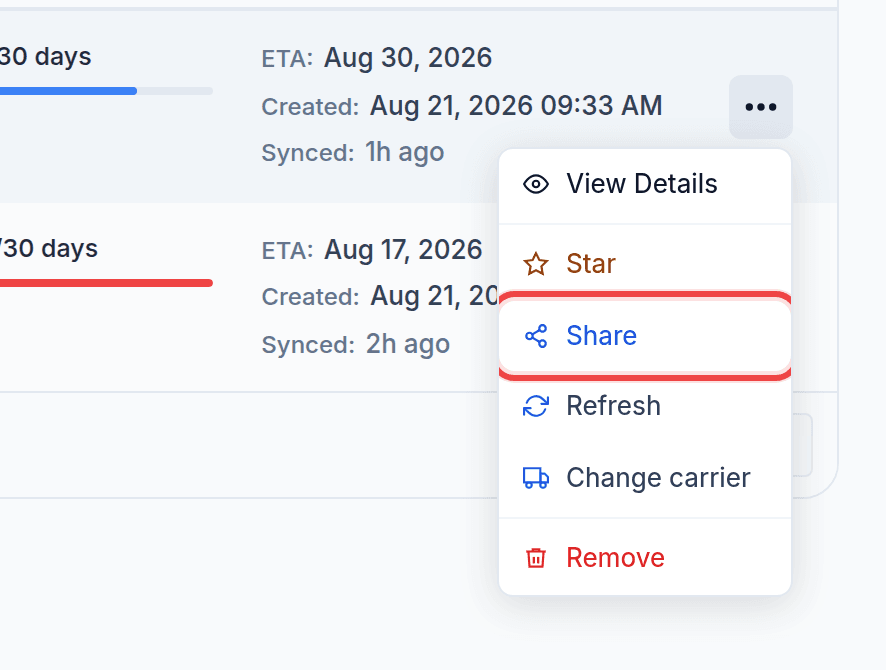
The link does not change
Pressing Share twice gives you the same link, on purpose. Minting a second one would silently orphan the first — which may already be sitting in your customer's inbox — and they would be watching a page that no longer updates. One shipment, one live link.
Revoking
Revoke the link when the job is finished or the relationship ends. The URL stops working immediately for everyone holding it. There is no partial revoke: a link is live or it is not.
What the recipient sees
The current milestone, the vessel, the ports and the ETA for that shipment — and nothing about your other cargo, your customers, your rates or your team.
Share link versus customer alerts
These are different tools and they suit different customers.
- A share link is pull: they look when they want to. Best for a one-off consignment or somebody who checks obsessively.
- Customer alerts are push: we email them when the box departs, arrives, changes ETA or runs low on free days. Best for a regular account. See Email alerts for your customers.
Plenty of forwarders use both. A recipient who opts out of shared-link emails still shows in the customer list, marked as opted out, so it is never a mystery why they stopped hearing from you.
Putting the link in your own reporting
Share link is available as a column on the shipment export and the daily report, so a spreadsheet you already send can carry a live link per row instead of a status that is stale by the time it is read.
Was this helpful?